Your next deck, already this good.
Drop in a rough brief. Walk out with strategy, campaign, and technical decks polished enough to ship — straight to PowerPoint and Google Slides.

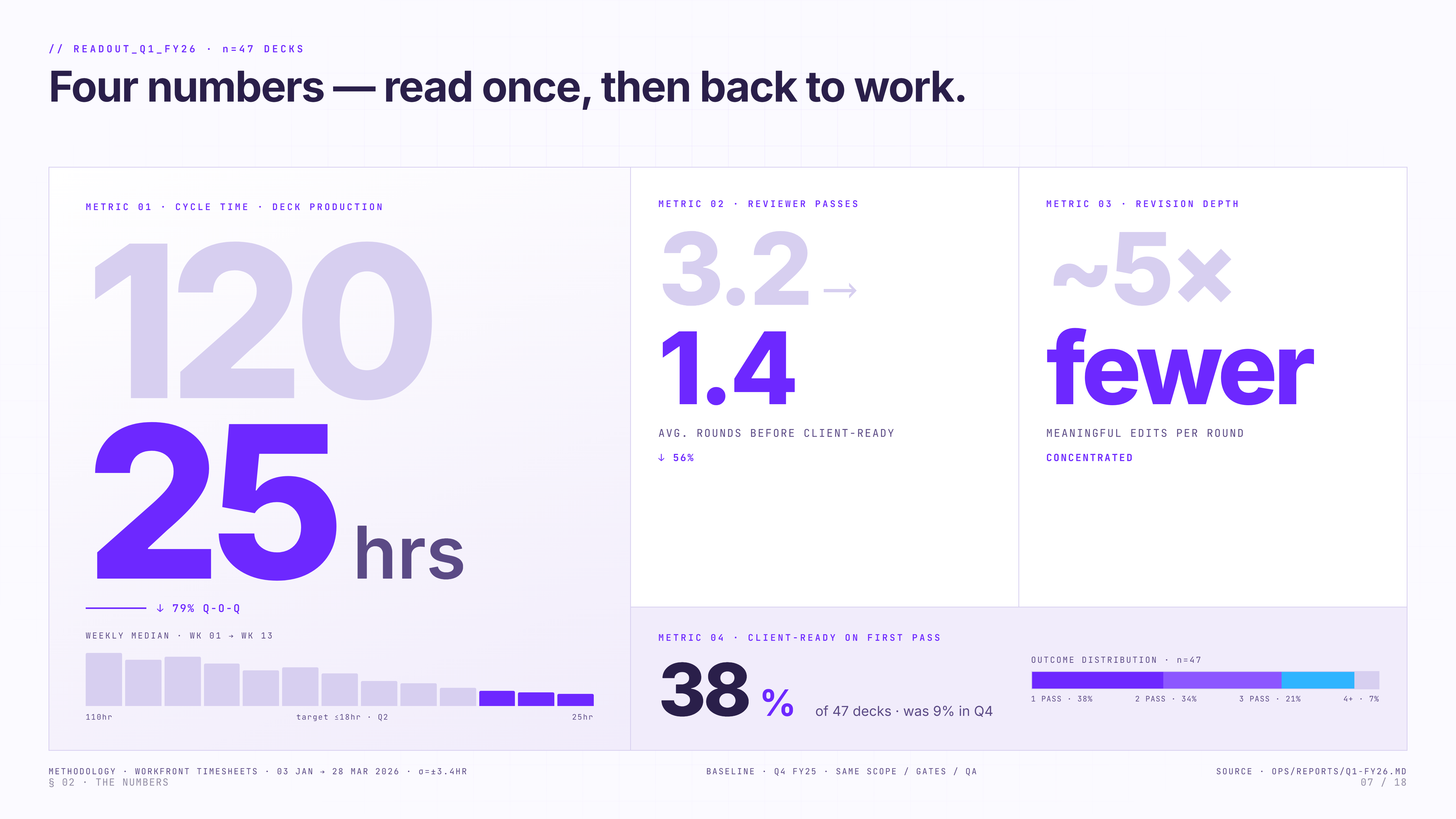
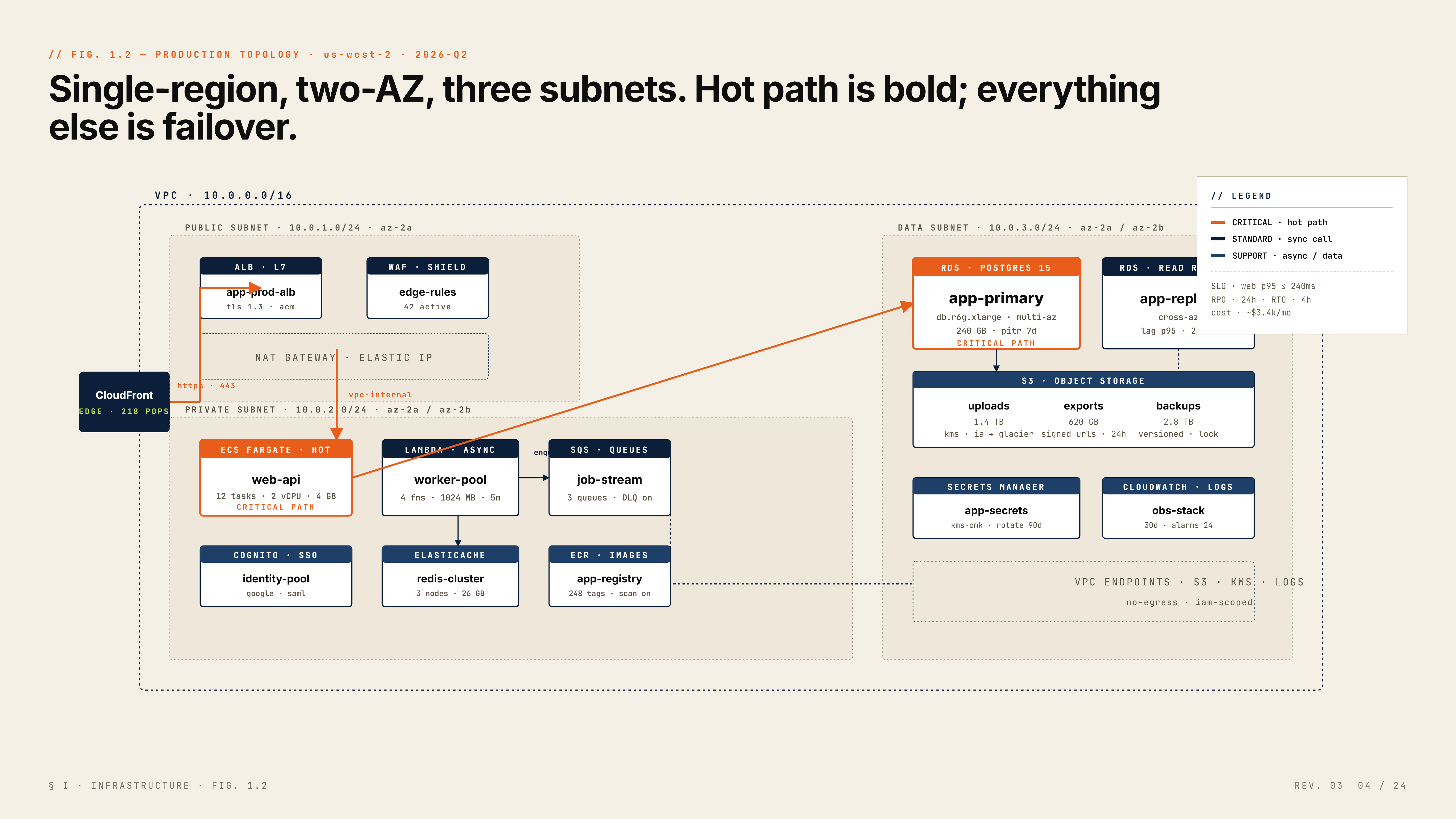
Almost no input. Output your team will steal.
Drop a rough brief — get back decks that win the room. Below: live samples generated this week from prompts under 50 words.
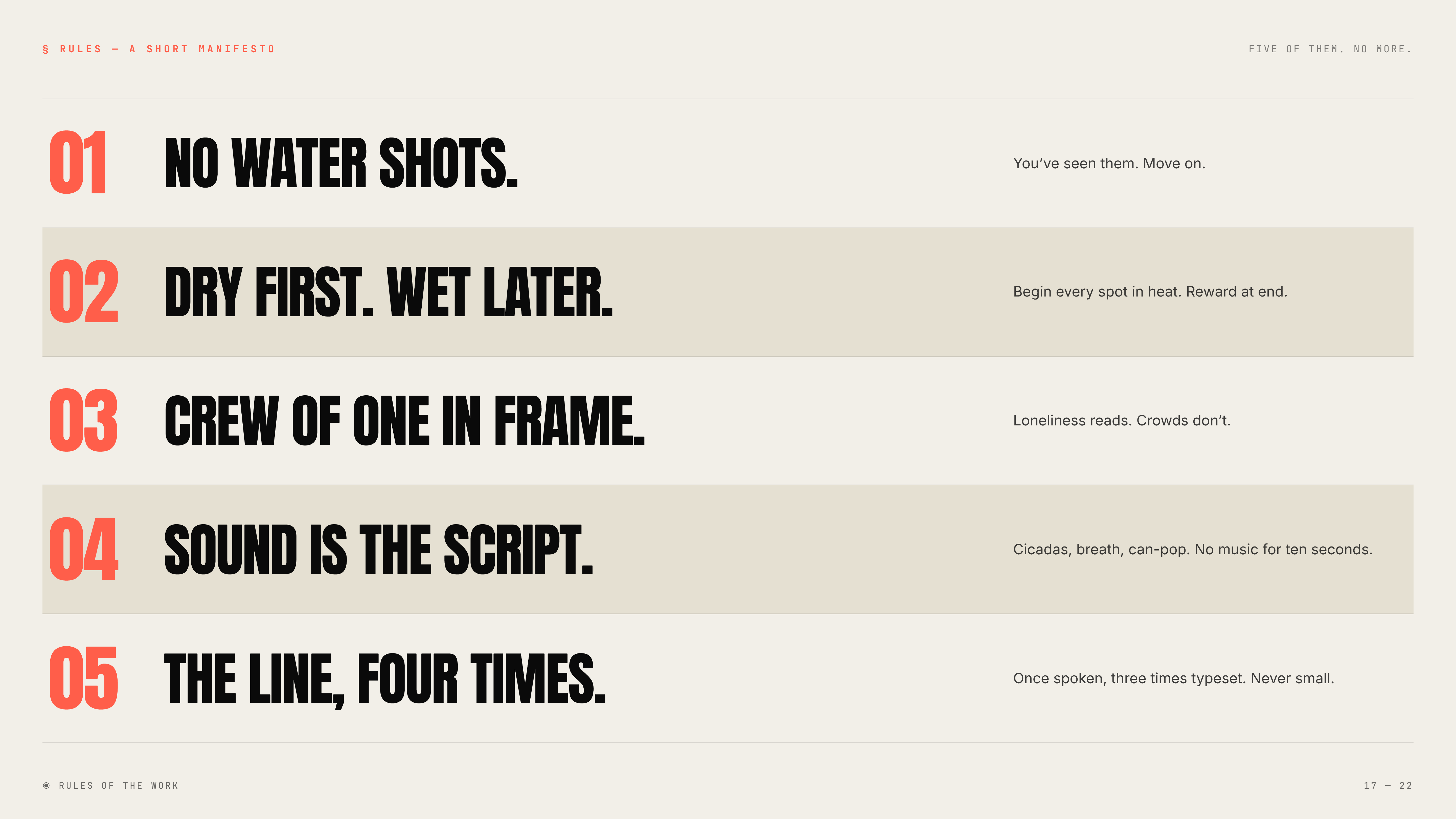
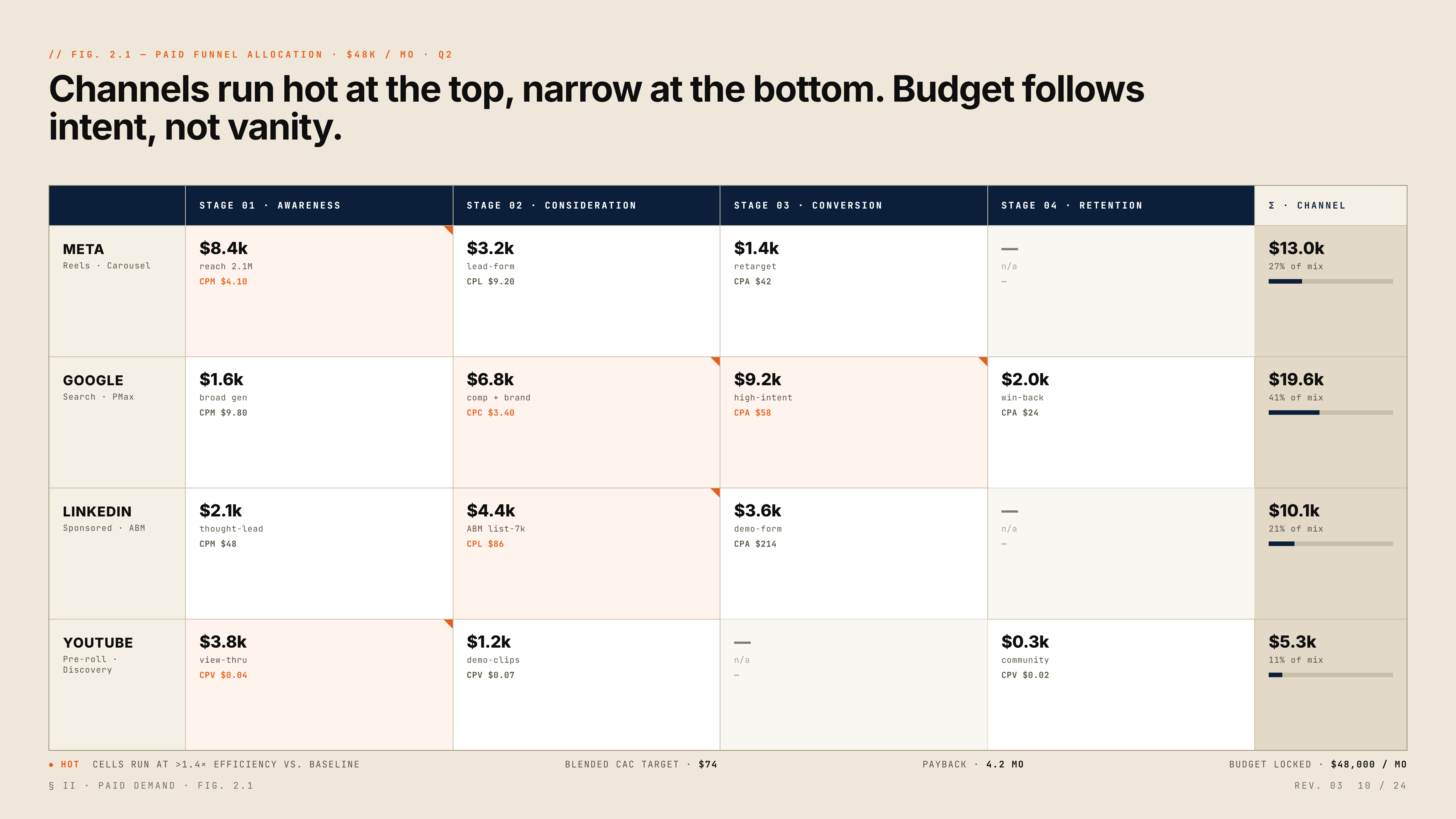
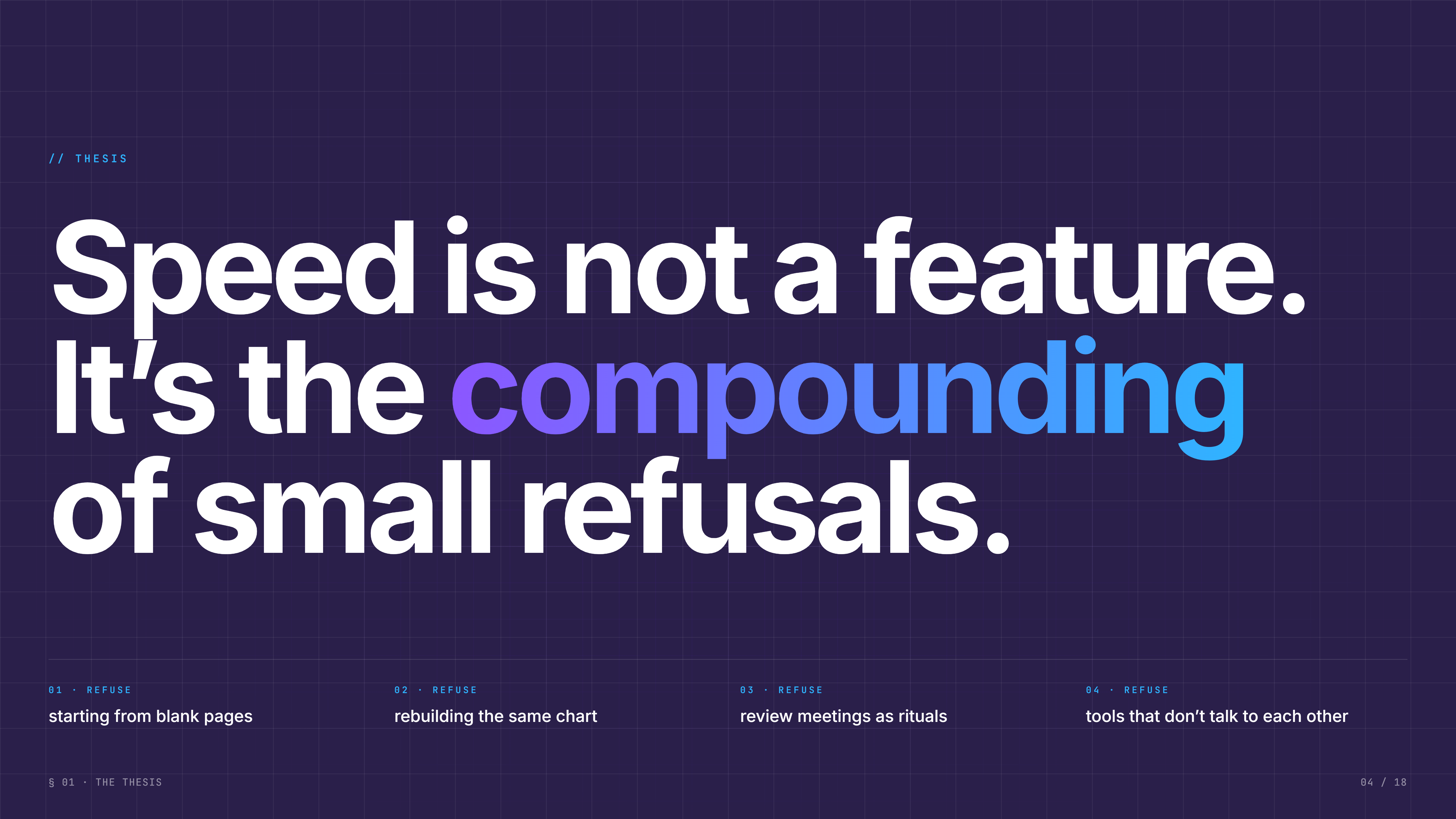
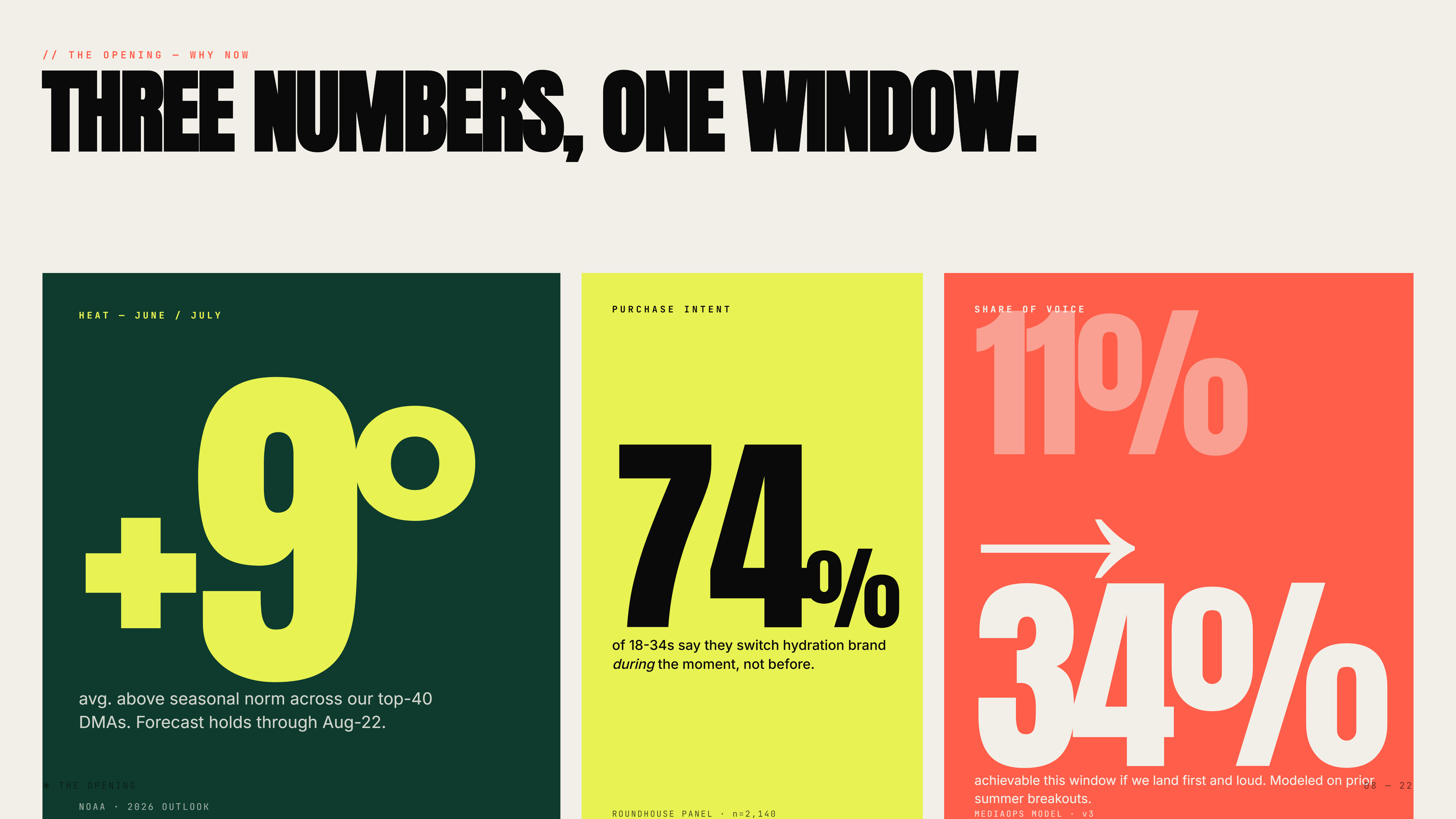
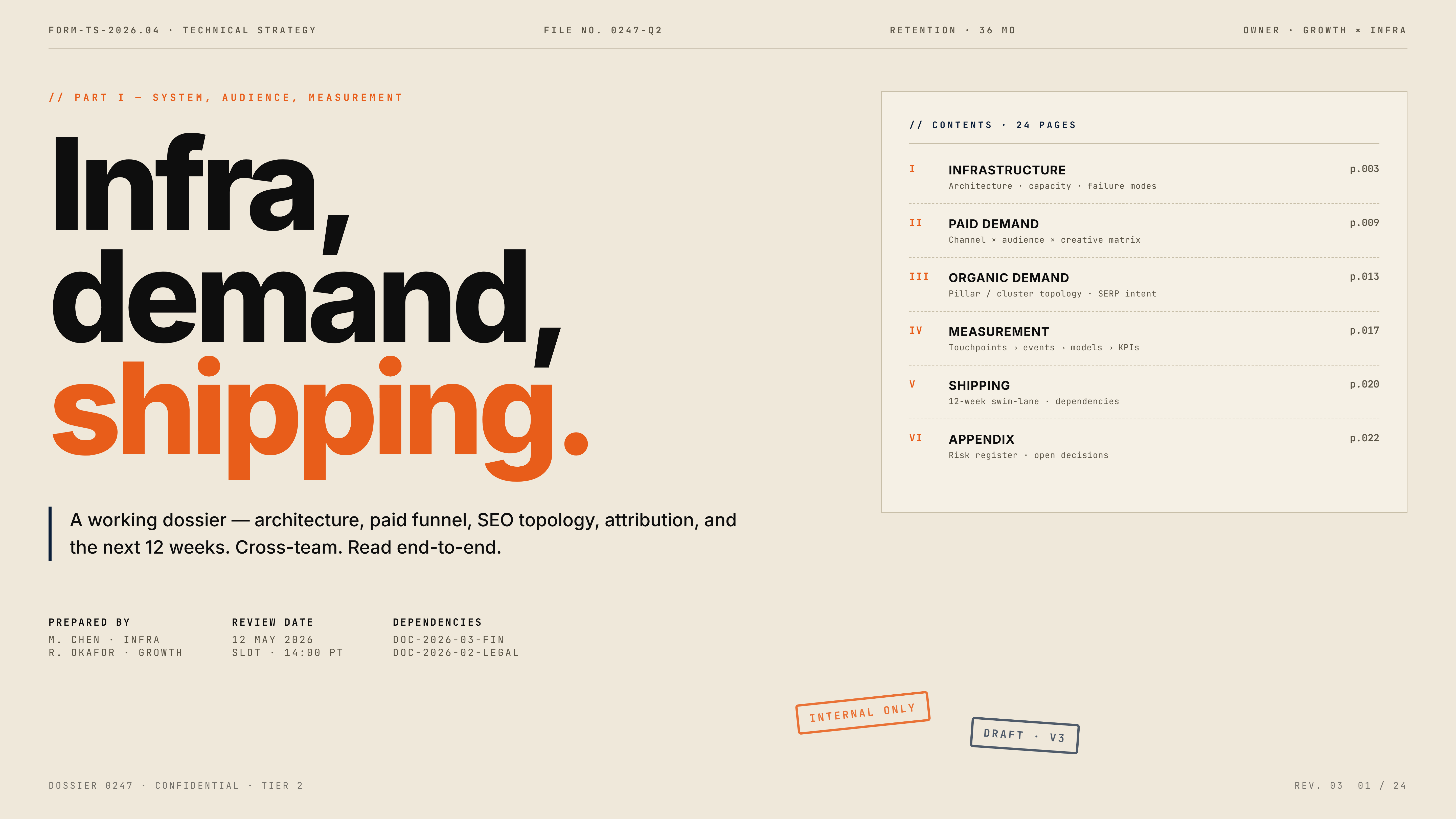

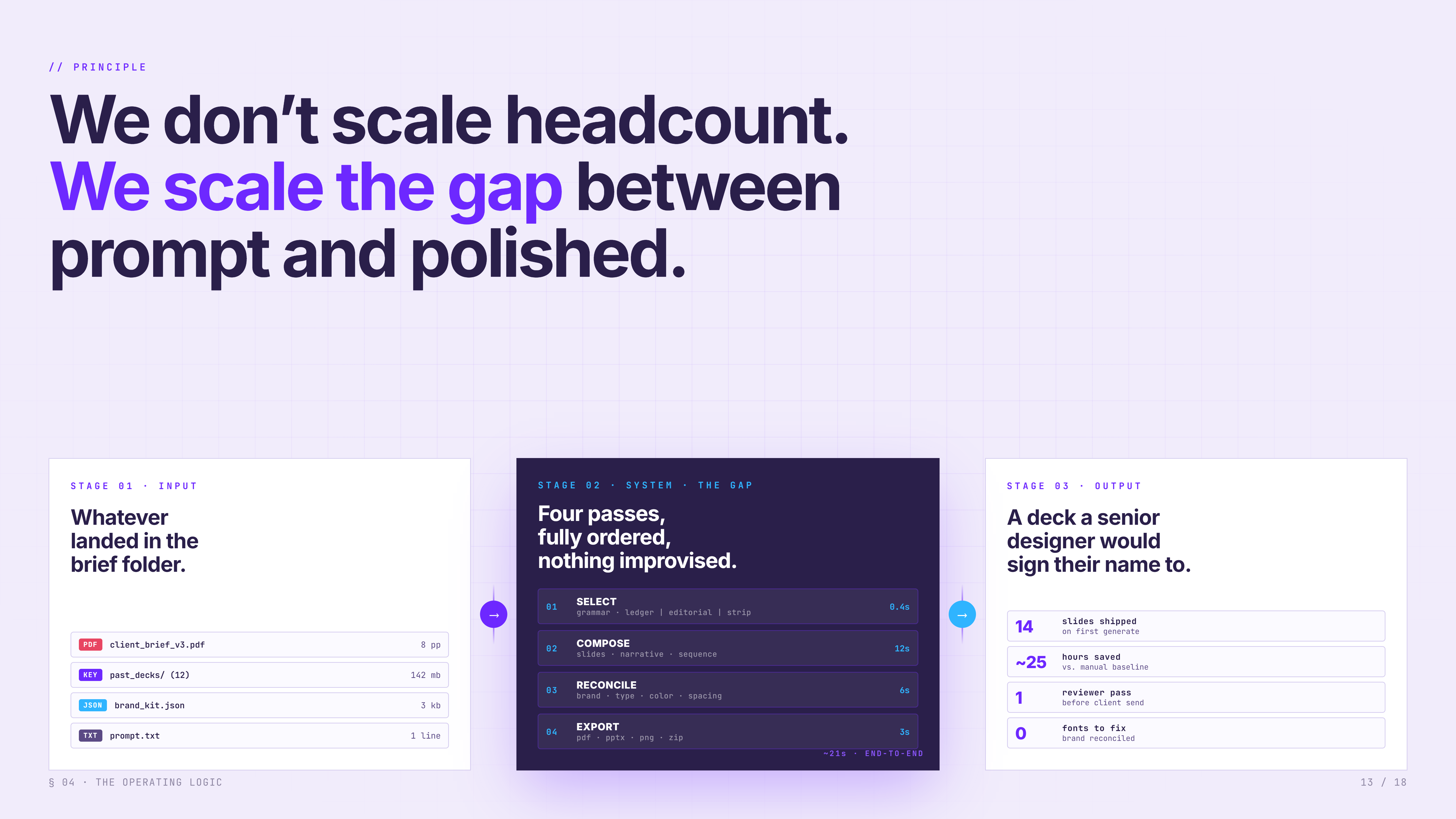
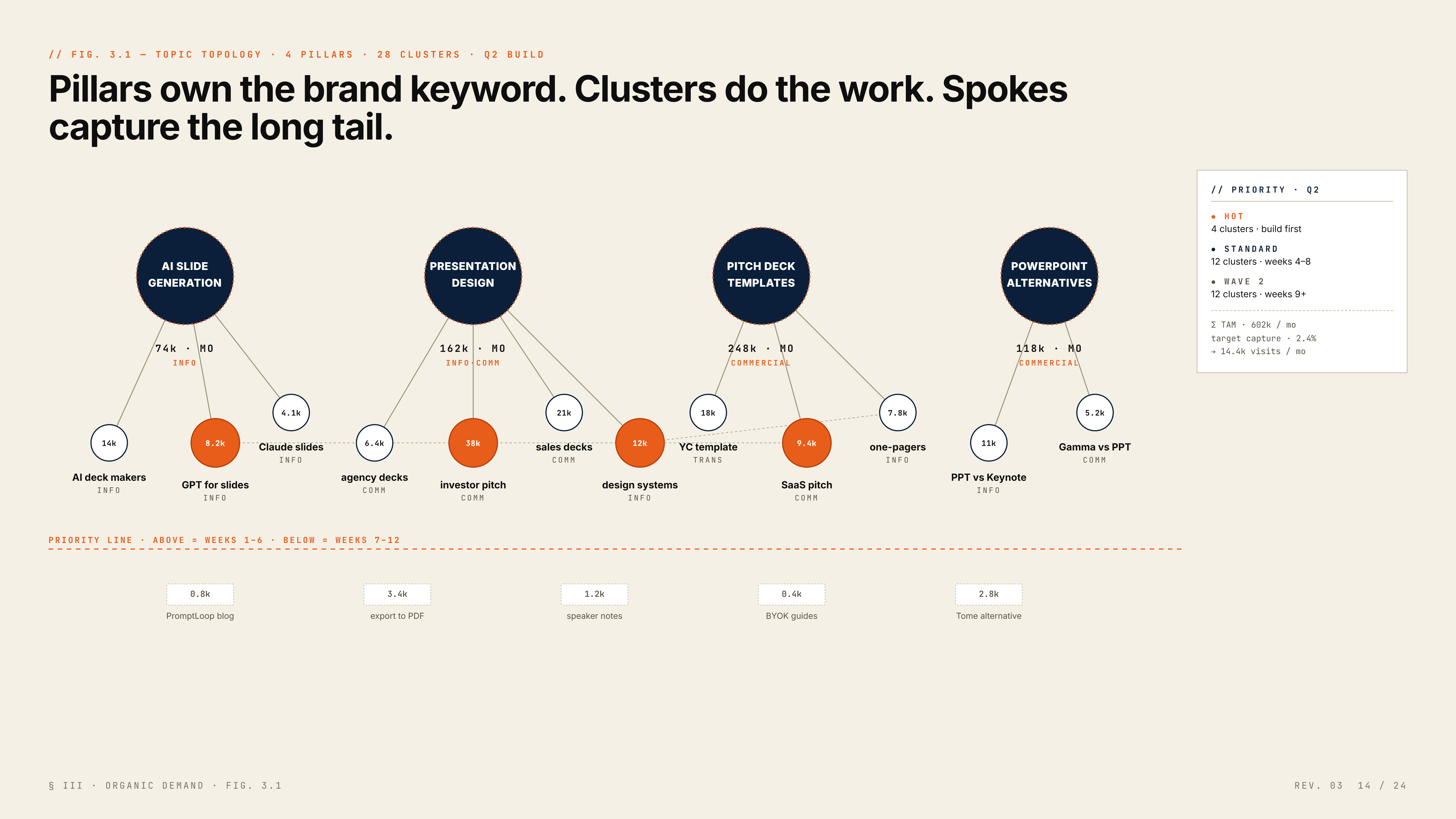
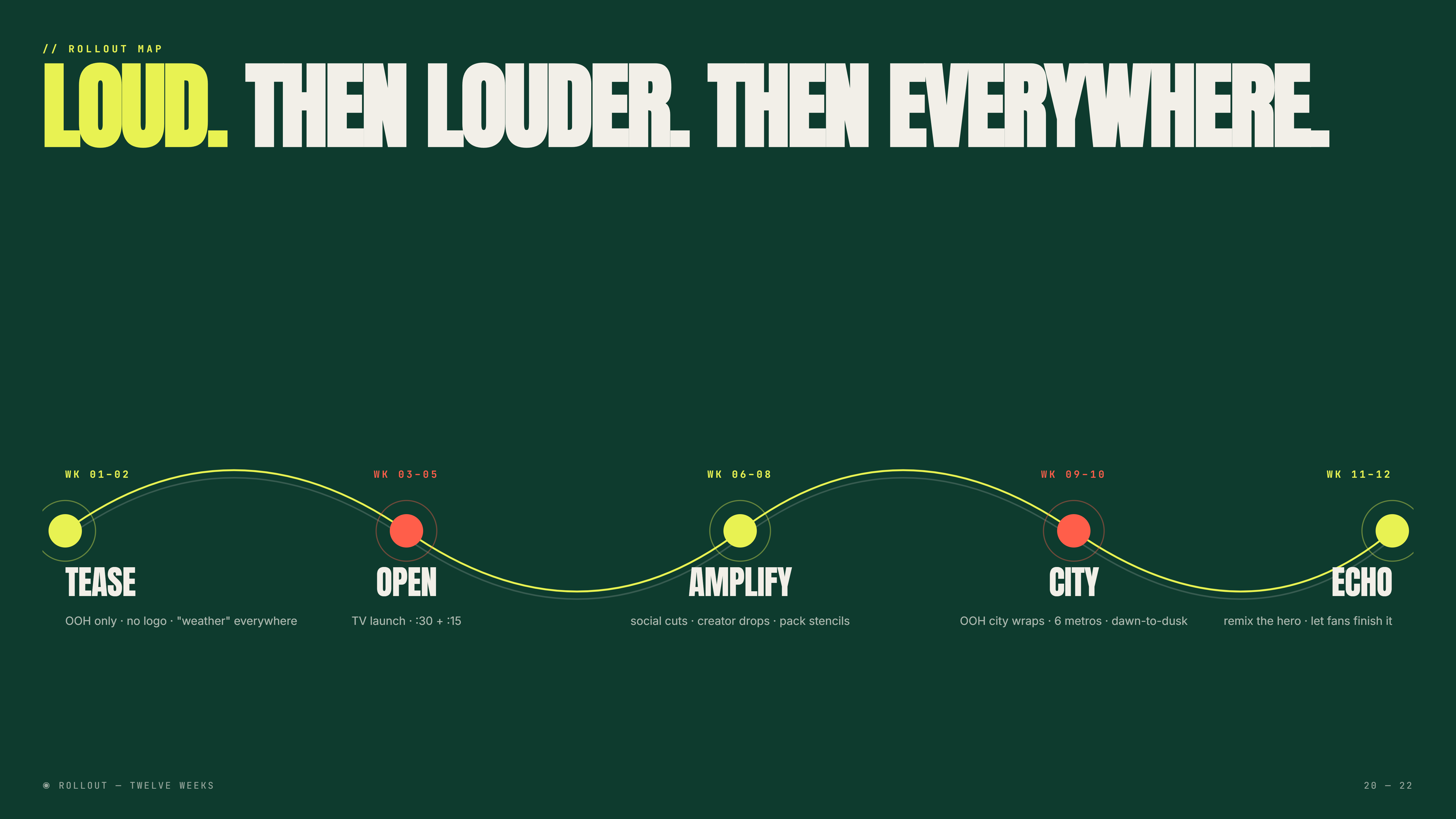
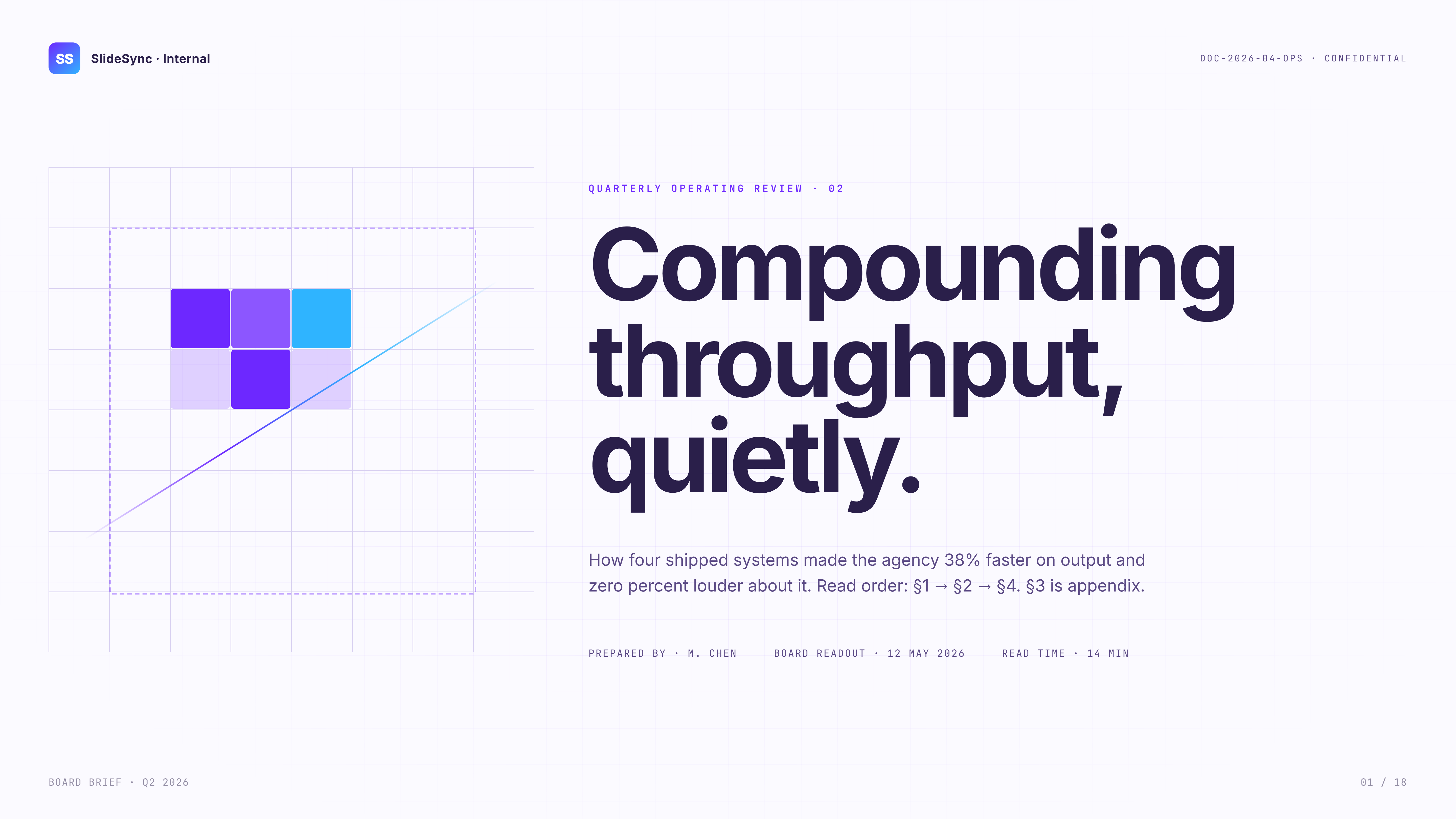
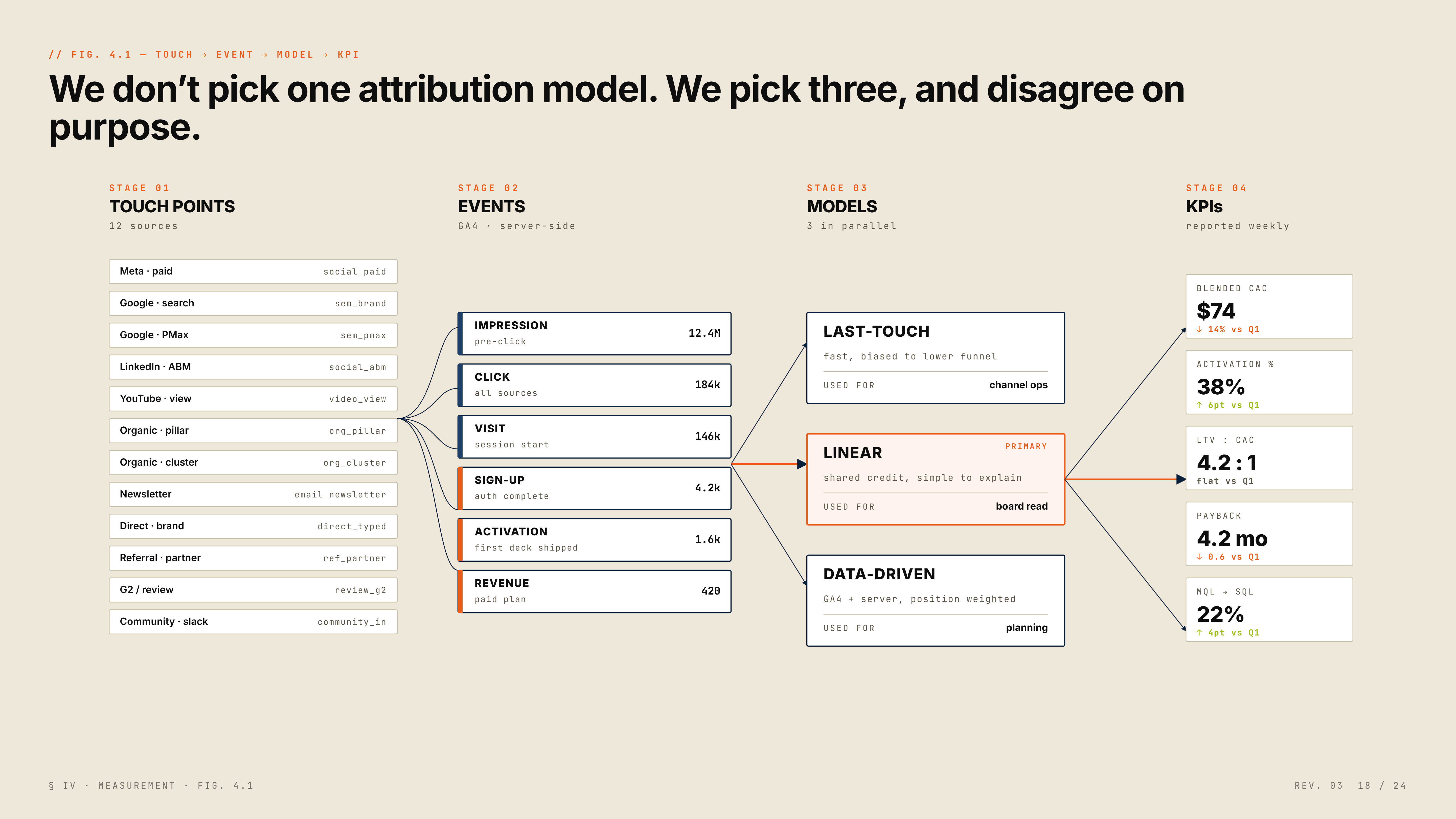

Drop a brief.
Ship a deck.
No template picking. No drag-drop fiddling. Drop a brief, watch it build, ship to PowerPoint or Google Slides.
Exports clean.
Every time.
The same slide, rendered natively in three different apps. Fonts hold. Shapes stay editable. Colors don't shift.
Three themes. One quality bar.
Every deck ships with a visual language — not random layouts. Pick a theme and SlideSync applies it across every slide with real typographic hierarchy and spatial logic.
Beautiful decks shouldn’t cost a fortune.
One simple plan. No tiers, no per-seat pricing, no surprise invoices. Try it free, then keep going.
Questions, answered.
The things people actually ask before signing up. Everything else is in the docs.
Read the docsHow does SlideSync use my prompt?
Your prompt seeds the deck’s thesis, structure, and visual direction. SlideSync breaks it into per-slide briefs, selects a genre-matched layout engine, then renders every slide with real typography, spatial hierarchy, and data visualization — not clip-art templates.
What if I don’t like the first draft?
Regenerate any slide individually, or refine the whole deck with a follow-up prompt. Each iteration preserves your brand kit and layout logic so changes compound instead of resetting.
Will it match our brand?
Yes. Upload your brand kit — logos, colors, fonts, tone rules — and SlideSync applies them as hard constraints across every slide. No drift, no off-brand surprises.
Does the export actually open cleanly in PowerPoint?
Cleanly. Fonts embed, shapes stay editable, colors don’t shift. The .pptx file is built from the OOXML spec, not converted from images. Same story for Google Slides and PDF.
Can I bring my own API key?
Absolutely. Plug in your own OpenAI or Anthropic key and tokens are billed directly to your account. No markup, full control, lower costs at scale.
How is this different from PowerPoint Copilot or Gamma?
Copilot adds AI to an existing editor. Gamma builds simple web presentations. SlideSync generates agency-grade, genre-aware decks with real data visualization, then exports to the tools your team already uses.